2026Search-friendly Kling homepage
Kling 5 Free Video Generator
Use this unofficial browser workflow to test short Kling-style videos from text or images. It is built for creators, marketers, and teams who want fast validation for ads, social clips, product demos, and storyboard ideas.
This is not the official Kling website. Use this page for browser-based testing, prompt iteration, and short-form experiments. If you need official platform support or direct vendor access, use the official Kling channels.
✨Kling 5 Free Video Generator✨
Independent, unofficial Kling video workspace with currently available Kling 5 and Kling 2.5 Turbo options.
⚠️ Important Notice
Some Kling image-to-video workflows may reject uploads that contain photorealistic people. Use non-identifiable or non-photorealistic source images for the most reliable tests. Paid plans may include additional credit protections for failed jobs, subject to the current plan terms.
$12.9 = 200 credits = 2× 5s videos
0/1000
Model:
Aspect ratio:
Duration:
Resolution:
Public visibility:
Copy protection:
Credits required: 100
Short Video Examples To Borrow Structure From
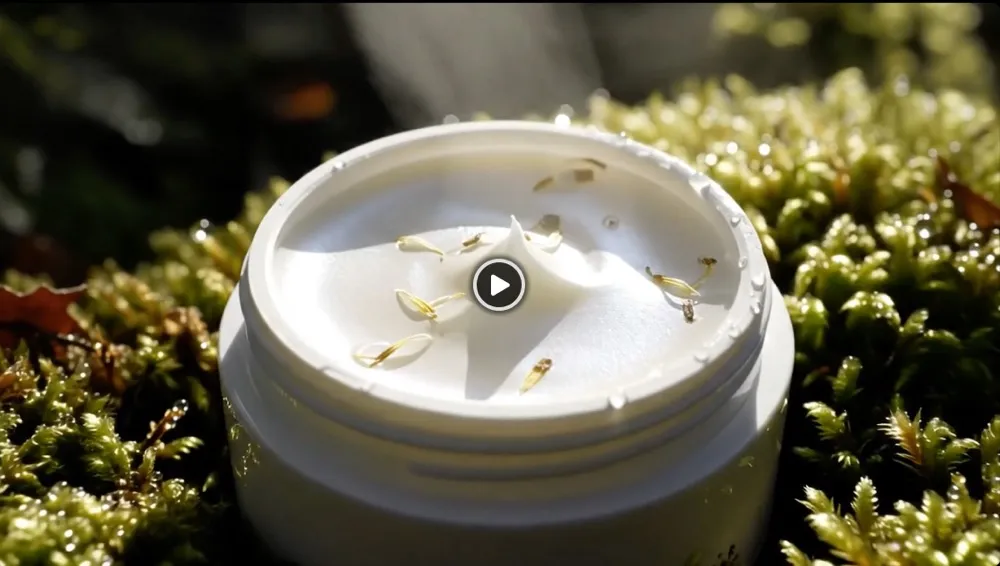
Browse example clips for hook ideas, product reveals, social pacing, and stylized scenes. Use them as references for timing and mood, not as promises of identical output.
What this Kling 5 page is best for
Use the homepage when you want to test a short video idea quickly in the browser. It is built for prompt iteration, format checks, and early creative validation rather than official-platform onboarding.
- Text-to-video and image-to-video from one starting pointStart from a prompt or a still image when you want to compare short video directions without jumping between separate tools.
- Clear unofficial positioningThe page explains upfront that this is an independent browser workflow, not the official Kling website.
- Built for ads, socials, demos, and storyboard testsUse it to validate ad hooks, short social clips, product demos, and early motion ideas before you invest in a bigger production pass.
- Pricing and rights questions stay on the pricing pageThe homepage explains the workflow. Credits, 1080p fit, and commercial-use questions belong on the separate pricing page.
4
How to use this Kling 5 free video generator
Follow four quick steps to test a short video idea, review the output, and decide whether this browser workflow fits what you need next.

Step 1. Choose the current workflow option shown in the generator
1 / 4What You Can Do On The Homepage
Use the homepage to test a Kling video idea quickly in the browser, then branch into pricing, prompts, or motion poster when you need a deeper decision page.



Visible Generator Settings
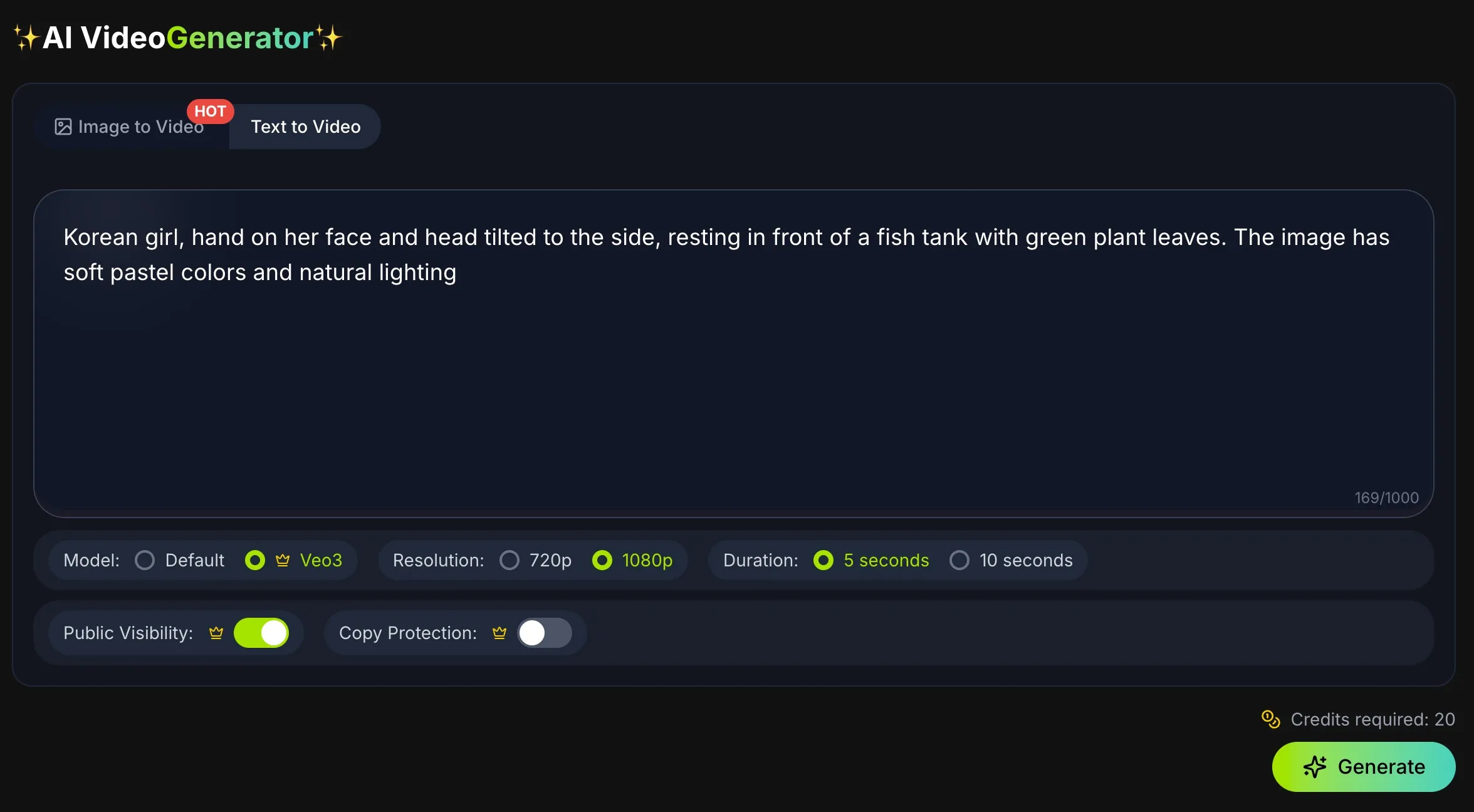
Use the controls shown in the generator to choose format, duration, and export quality for the test you are running. Credits, limits, and upgrade details are explained on the pricing page.
The UI shows the current Kling workflow options available on this site
720p and 1080p output settings are available in the generator UI
16:9, 9:16, and 1:1 aspect ratios support common publishing formats
Short-duration presets help with rapid iteration
Pricing determines credit volume, limits, and any higher-tier benefits
Why This Homepage Helps People Decide Faster
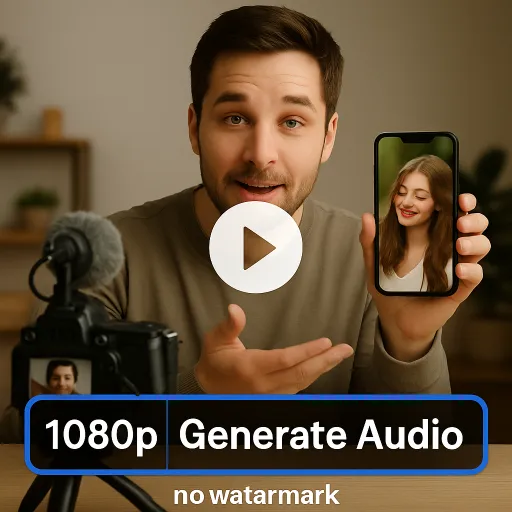
The page is written to answer the first questions visitors have before they test, buy, or leave.
02Visible workflow focusThe page stays focused on text to video, image to video, prompt testing, and short-form experiments instead of drifting into unrelated tool claims.
03Built for short-form use casesThe copy keeps pointing back to ads, social clips, product demos, and storyboard tests so visitors know whether they fit.
04Generator first, not empty hypeThe main action is to open the generator and test an idea, not scroll through vague promises.
05Prompt iteration is explained clearlyVisitors can see how to test hooks, framing, and pacing without needing a complex production workflow.
06Pricing questions move to pricingCredits, 1080p fit, and commercial-use questions are handled on a separate decision page instead of muddying the homepage intent.
07Motion poster has its own pathVisitors who need restrained poster animation can follow a dedicated workflow instead of forcing the homepage to explain every use case.
08FAQ answers real pre-purchase questionsThe FAQ explains official status, supported workflows, pricing limits, and fit in plain language.
09Better fit for SEO and AI searchAnswer-first copy, clear scenarios, and tighter page intent make the homepage easier to rank and easier to cite.
Plans & Credits
Choose a Kling 5 plan that fits your workflow
Compare credits, export quality, and commercial-use fit before you move from testing into paid usage.
Open the full pricing page for plan details, estimated output volume, and current usage terms.
For first tests
Start with enough credits for real prompt iteration
If you are still exploring directions, check how many variations you can test before paying for a larger plan.
For cleaner exports
Choose a plan that fits 1080p delivery
If the clip is headed to ads, demos, stakeholder review, or publishing, compare which plan makes cleaner output worth it.
For paid work
Review commercial use before you scale up
For client work or brand campaigns, confirm plan limits and usage terms before you commit to a production workflow.
FAQ
Frequently Asked Questions About This Kling 5 Free Video Generator
Clear answers about pricing, official status, supported workflows, and which Kling models are currently exposed on this homepage.
Start With A Short Kling Video Test
Open the browser generator, run a small test, and see whether this workflow fits your next ad, social clip, product demo, or prompt idea.